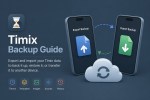
Learn how to export and import your Timix data using Timix Backup. This guide explains how to back up your timers, templates, imported assets, and timer history, restore your data later, or transfer everything to another device, including moving from the original Timix app to the new Timix app.
Copy and paste this URL into your WordPress site to embed
Copy and paste this code into your site to embed
